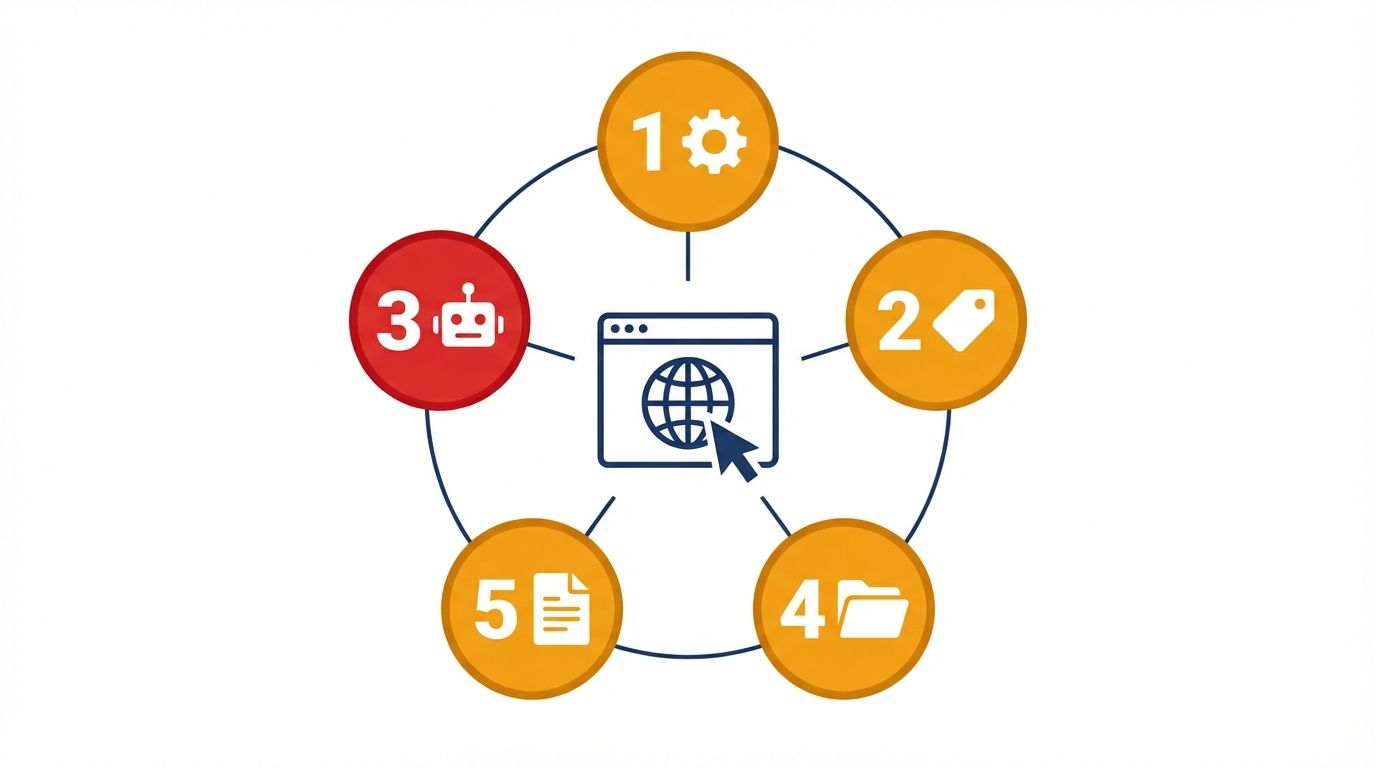
You are not being penalized: no manual action, no algorithm flag, no notice in Search Console. Your site is indexed and live, yet when someone asks ChatGPT to recommend a tool in your category your name doesn't appear, when a customer asks Perplexity about the problem you solve the answer names your three closest competitors, and when your own brand name is typed into an AI chat the response is vague or wrong. This is not a ranking problem, it's a readability problem: AI systems aren't ranking you lower, they're failing to parse you cleanly enough to include you as a trusted source. The failure is structural, which means it's diagnosable. Here are five signs, the mechanism behind each, and the fix.
Sign 1: Your Core Content Only Loads After JavaScript Executes
Open your website, right-click, and select "View Page Source" (the raw source, not the inspector). Search for the first paragraph of your homepage copy, your pricing, or a product description. If you can't find it in the raw source, you have a rendering problem. Most modern frameworks (Next.js in CSR mode, Vue, Angular) send an empty HTML shell to the initial HTTP response, and the browser then runs JavaScript to populate the page, which is invisible to the human eye because browsers do this instantly. AI crawlers don't behave like browsers: Perplexity's retrieval agents, Common Crawl's ingestion pipeline (which feeds GPT, Claude, and Gemini training data), and most RAG tooling operate under tight latency budgets and do not execute JavaScript, so the empty shell is, from their perspective, your entire website. The fix is enabling SSR or SSG so complete HTML is delivered in the initial response, and if you already use SSR, verifying the specific pages you care about aren't misconfigured to fall back to client-side rendering, the trap dissected in the empty shell audit.
Sign 2: ChatGPT Gets Factual Details About You Wrong
Ask ChatGPT, Perplexity, and Gemini: "What does [your brand] do, and what does it cost?" If any answer contains incorrect pricing, missing features, wrong descriptions, or invented capabilities, that's a structured-data failure, not a knowledge-cutoff issue. Hallucinations about specific brands almost always stem from one of two sources: the model couldn't find clean structured data and estimated by pattern-matching with similar brands, or it found conflicting data (an old pricing page, a deprecated description in a blog post, a PDF with outdated specs) and averaged between them. The fix is two-part: mark up your pricing, features, and key facts in Schema.org JSON-LD so the AI has an unambiguous source to anchor on, and update any outdated content that contradicts your current facts with explicit date stamps or remove it. A two-year-old blog post describing your old pricing is actively working against your brand safety in every AI interaction, the exact failure mode covered in brand safety monitoring.
Sign 3: You Cannot Find Your Brand in Google's "About This Result"
Search Google for your brand name, click the three-dot icon next to your homepage, and select "About this result." If Google shows "We don't have information about this website," you have an entity-clarity problem; if it shows a generic description rather than a Knowledge Panel tied to your brand, the problem is milder but present. This matters because Google's entity-resolution system and the knowledge graphs major LLMs use overlap significantly, so a brand that doesn't exist as a disambiguated entity in Google's graph is likely poorly resolved in the graphs ChatGPT, Perplexity, and Gemini use when constructing answers. The fix is an Organization JSON-LD block in your site-wide <head> with sameAs properties linking to at least three canonical references (your LinkedIn company page, Crunchbase profile, and a Wikidata entry if one exists), each one telling the knowledge graph that this brand name resolves unambiguously to this specific entity, the entity home pattern.
Sign 4: Your Robots.txt Was Last Edited Before 2023
Check your robots.txt at yourdomain.com/robots.txt. If it was set up during a migration, a platform switch, or by a security plugin before 2023, before GPTBot, ClaudeBot, and PerplexityBot existed as named user-agents, there's a meaningful chance it blocks AI crawlers either intentionally for a reason that no longer applies or by accident. In the forensic audit of 1,500 websites, 30% of active sites were blocking AI crawlers, none of them by strategic choice. The practical check: search for a Disallow: / rule applied to User-agent: *; if one exists without a corresponding Allow for GPTBot, PerplexityBot, and ClaudeBot, you're blocking the entire AI crawler class by accident. The fix is adding explicit Allow rules for each AI user-agent above the blanket disallow.
Sign 5: Your Site Has No llms.txt File
Navigate to yourdomain.com/llms.txt. If you get a 404, you're missing one of the highest-leverage, lowest-effort AI visibility signals available. The llms.txt standard is a markdown file at the root of your domain that tells language models which pages contain your most valuable, authoritative content, the difference between an agent that crawls semi-randomly and one directed immediately to your best material. In the 1,500-site study, 0.2% of sites had one, three out of fifteen hundred, so the early-mover advantage is substantial and shrinking. The minimum viable implementation is a markdown file with your site name, a one-sentence description, and a curated list of your most important URLs, each with a brief annotation; detailed guidance is in the llms.txt guide.
What to Do If You Recognize More Than Two of These
Each sign maps to a discrete structural fix, none require rebuilding your site, and most can be addressed in a single development sprint. The priority order matters: rendering issues block everything downstream, so fix those first; schema and entity clarity are the highest-impact signals for citation quality once crawlers can access your content; robots.txt and llms.txt are the fastest wins, both plain-text edits live within hours. If you recognize more than two of these signs, you're likely sitting in the Readable band of the AI credit score, scanned but too noisy to cite. You can run a full audit of your URL at Website AI Score to see which of these signals are failing for your site.
Which of these five is happening to you?
Run a free audit to see exactly which signals are failing, their current scores, and the specific remediation path for your site.
Audit your site →The contrarian point that makes this list more than a checklist: every one of these five signs is invisible from inside your own business, which is precisely why they persist. You see your own homepage rendered perfectly in your browser, your team knows your real pricing by heart, and your brand feels obviously distinct to everyone who already knows it, so the failures only exist in the one viewpoint you never occupy, the machine reading raw source under a latency budget with no prior knowledge of who you are. The companies that stay invisible aren't careless, they're confident, and confidence in your own visibility is the single best predictor that you've never actually checked it from the outside.
References
- OpenAI GPTBot: GPTBot user-agent documentation and robots.txt guidance. platform.openai.com/docs/gptbot
- llms.txt Standard: Jeremy Howard's specification for the llms.txt convention. llmstxt.org
- Website AI Score Research: 1,500-site forensic audit, crawl-block rates and schema adoption. View report
- Google Search Central: how JSON-LD is processed and validated. Google Developers
- Aggarwal, et al. (2023): Generative Engine Optimization. arXiv:2311.09735